Hi! I can help you set up your station or get your first song on air. What are you working on?

Station Manager
Guided chat for your first broadcast
Guided chat for your first broadcast
Hi! I can help you set up your station or get your first song on air. What are you working on?
Start your station to check availability and choose your address. Already have a ready station? I can walk you through your first broadcast.
Start your station →Open your setup page to see the next step for your order. Setup typically takes 10–30 minutes after checkout verification. The station-ready email also has your sign-in link.
Open my setup page →Open your station using the link in your station-ready email or setup page. Sign in to the station with your Studio email and station password.
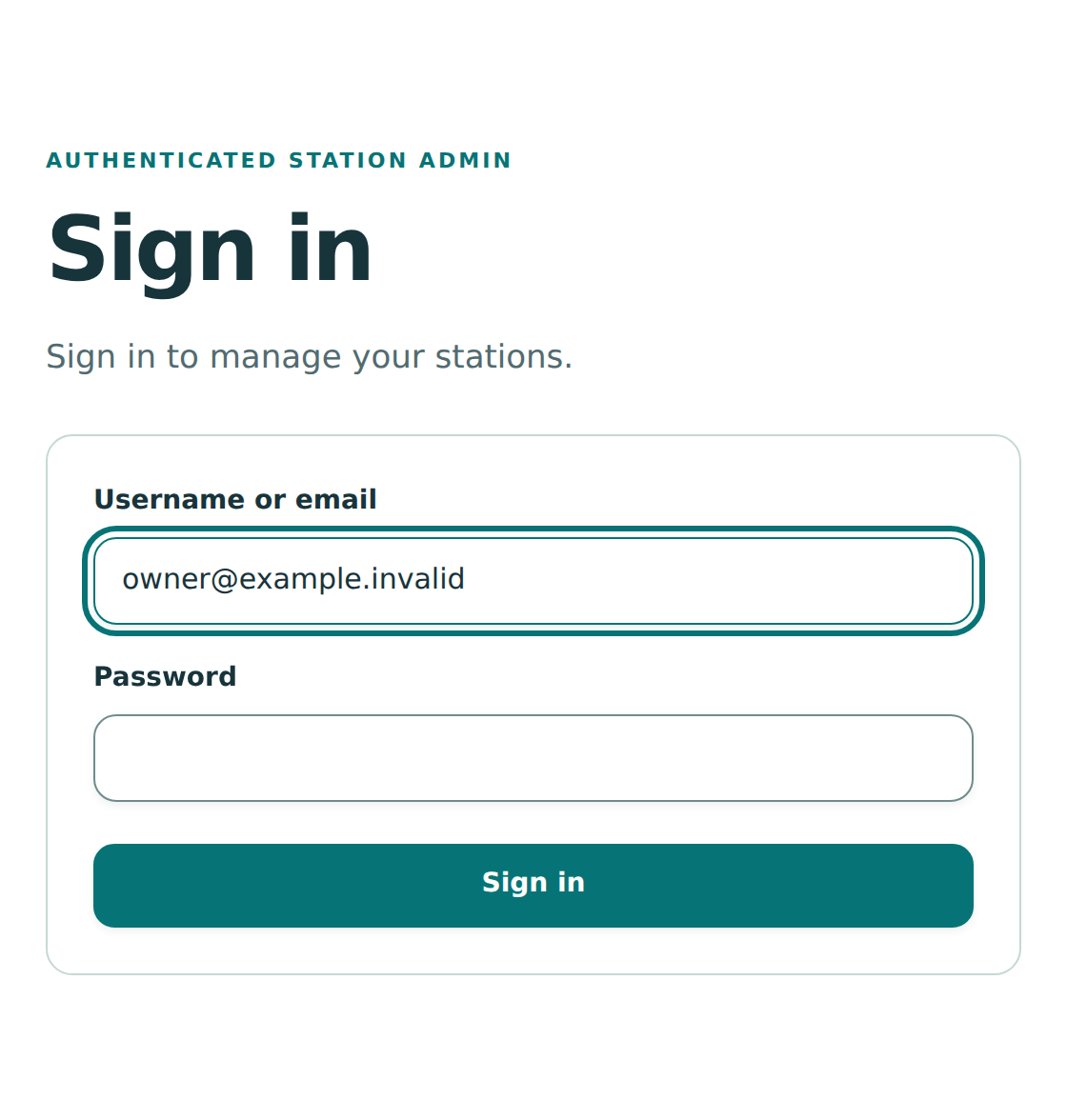
In Select station, choose the station you want to broadcast from and click Switch.
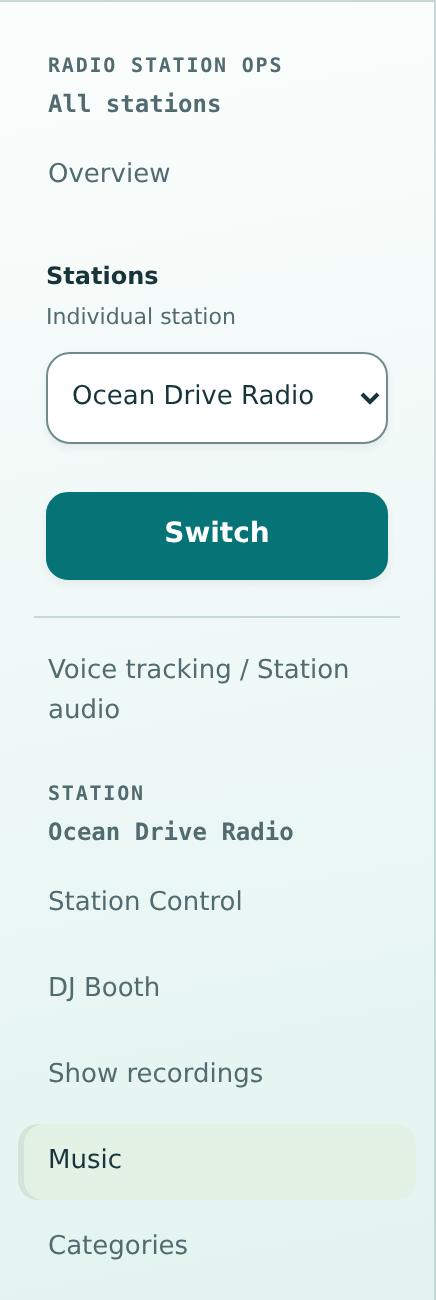
Under Stations, choose Add station. Enter a name, a Station ID and your timezone, then select Add station. Once it’s ready, switch to it in the sidebar.
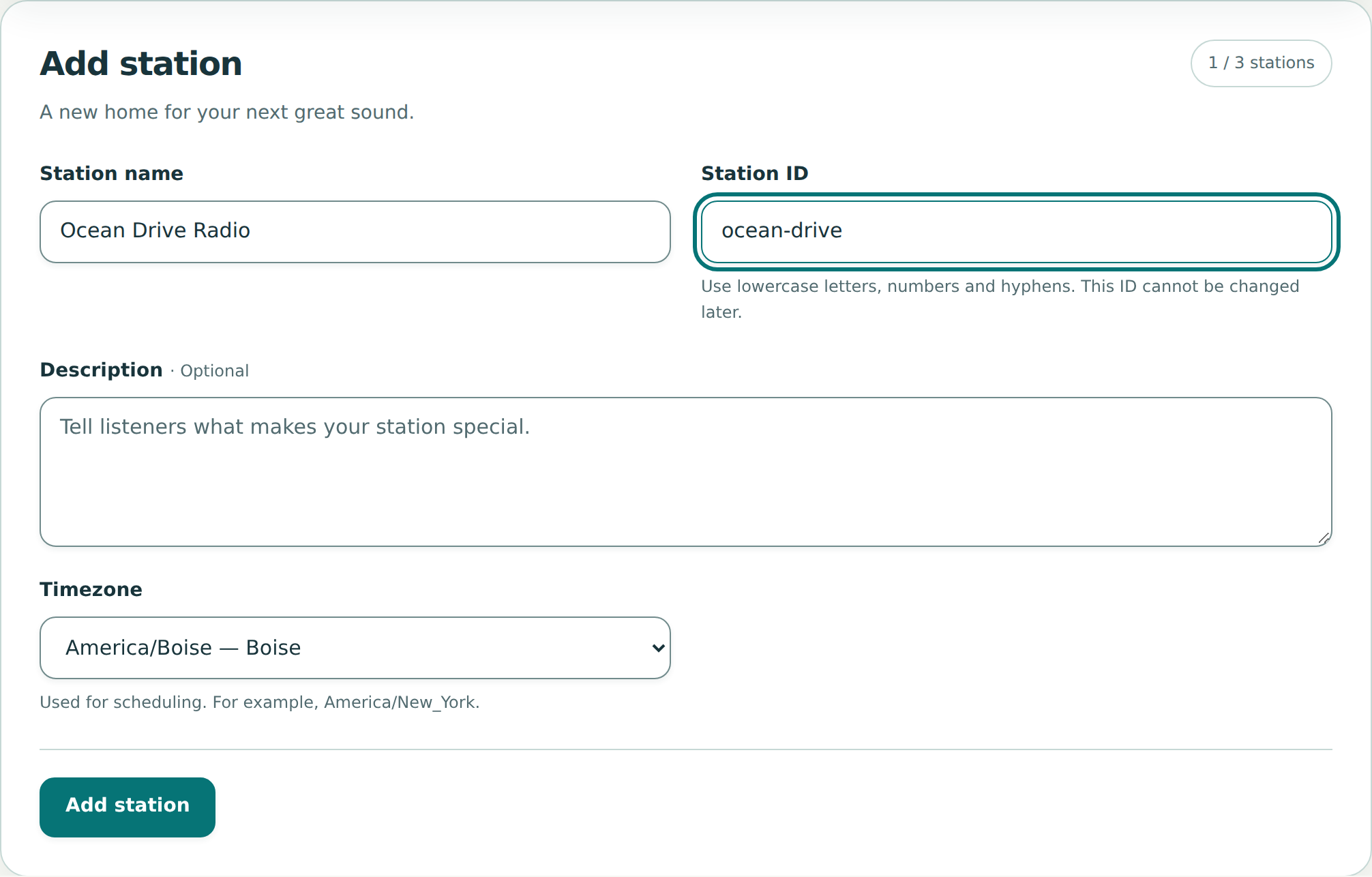
Open Music → Import music. Choose a recording you have permission to broadcast, review it, then click Import music to finish. Wait until it appears in Music.
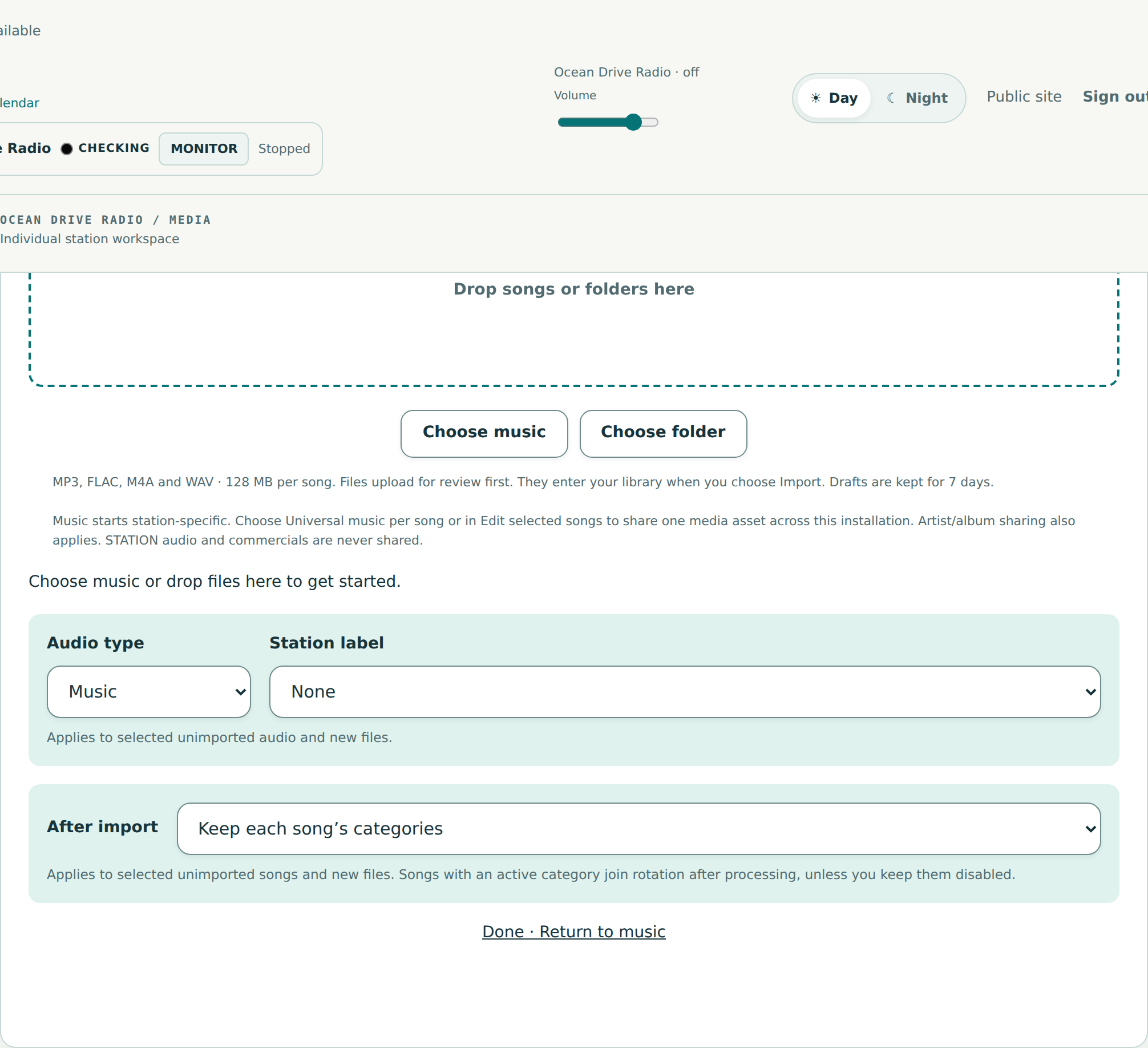
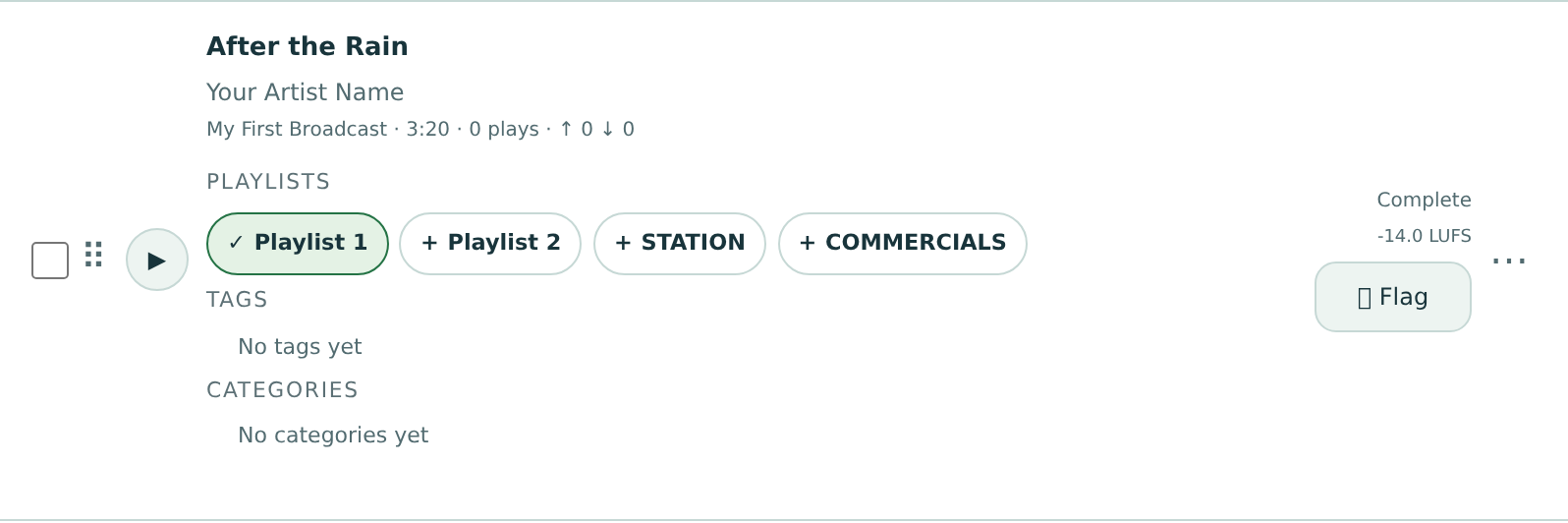
In Music, find your track and select + Playlist 1. Check that the song is enabled and listed in Playlist 1.
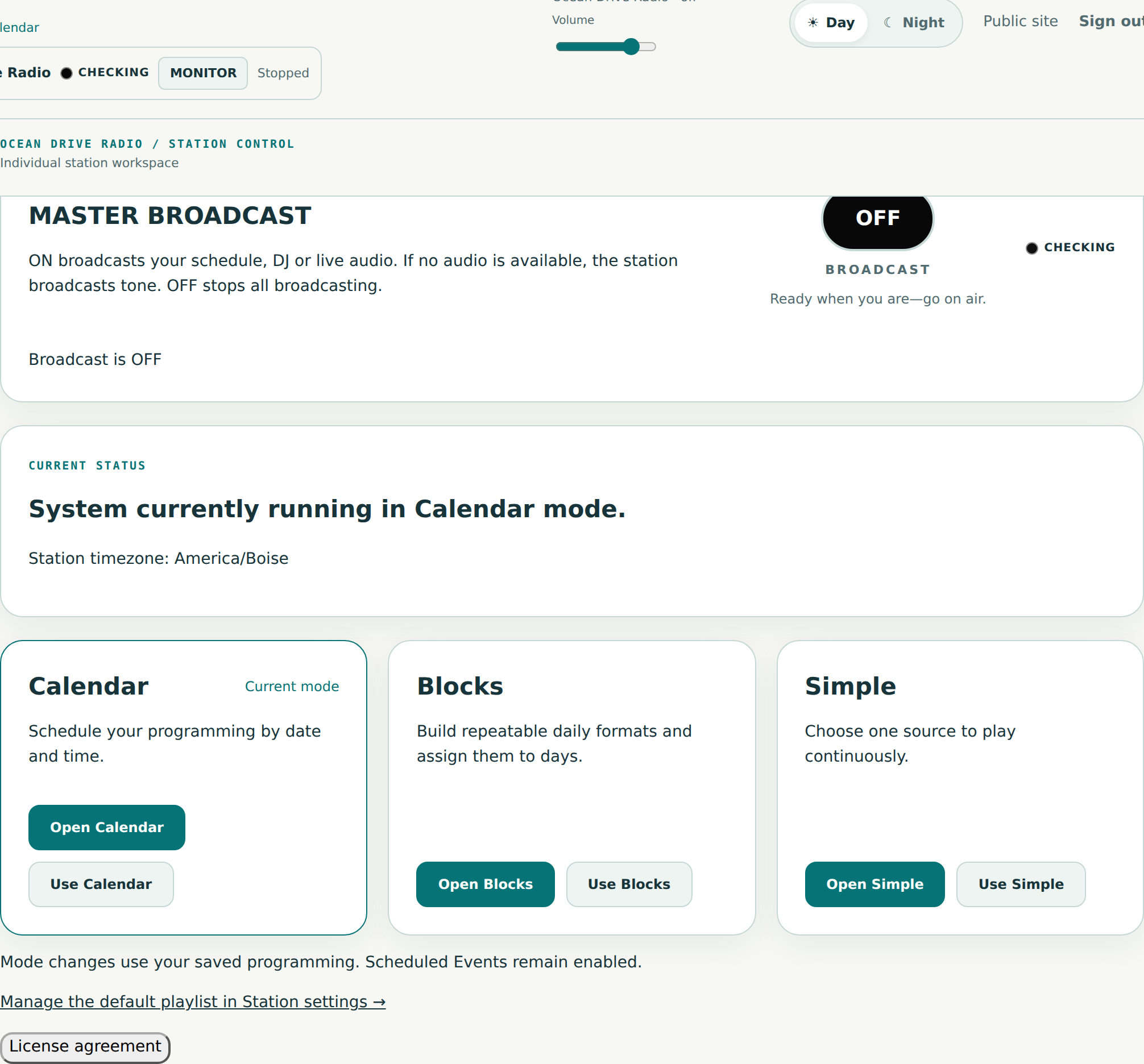
Open Station Control. Turn Master Broadcast ON and let the station start. A test tone can play while you choose your music.
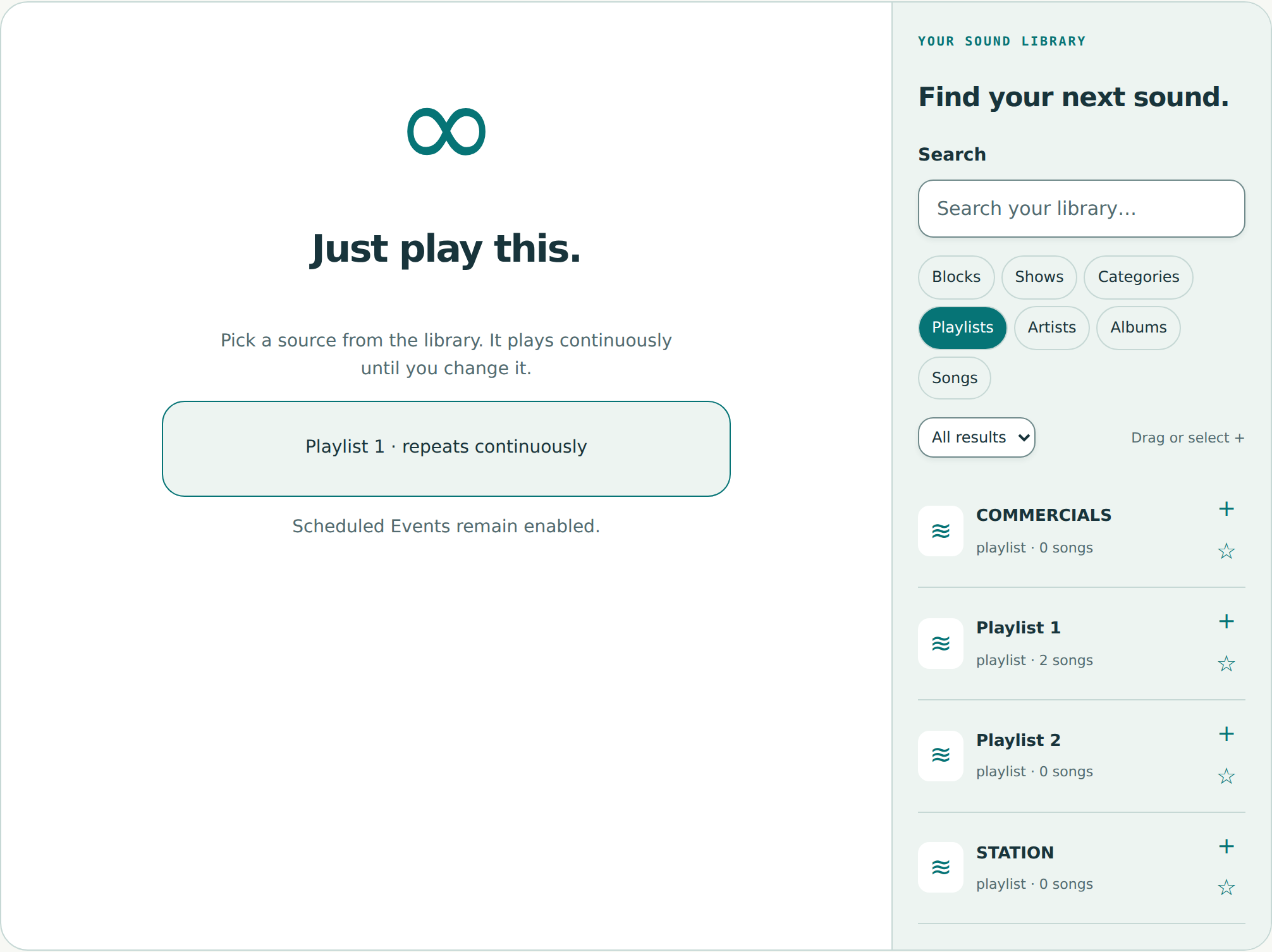
Choose Open Simple in Station Control. In Your sound library → Playlists, use the + on Playlist 1 or drag it into Just play this.
Click Save schedule. Wait for the Saved indicator before activating the playlist.
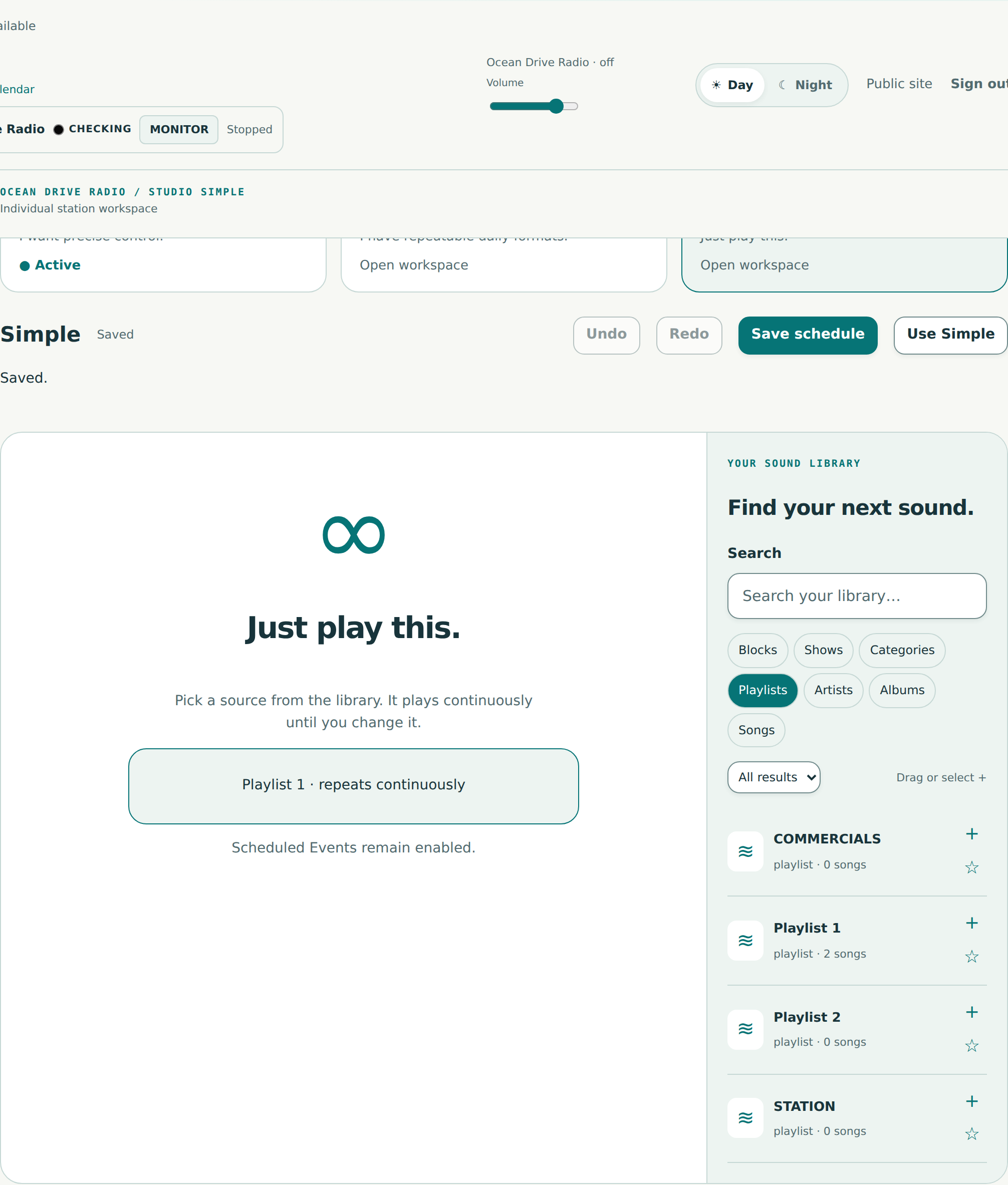
Click Use Simple. Look for Active mode: Simple. If the engine is starting, leave Master Broadcast on and try once it’s ready.
Stop Monitor if it is playing. Open Public site, choose your station, and press Play in its public player. Can you hear your song?
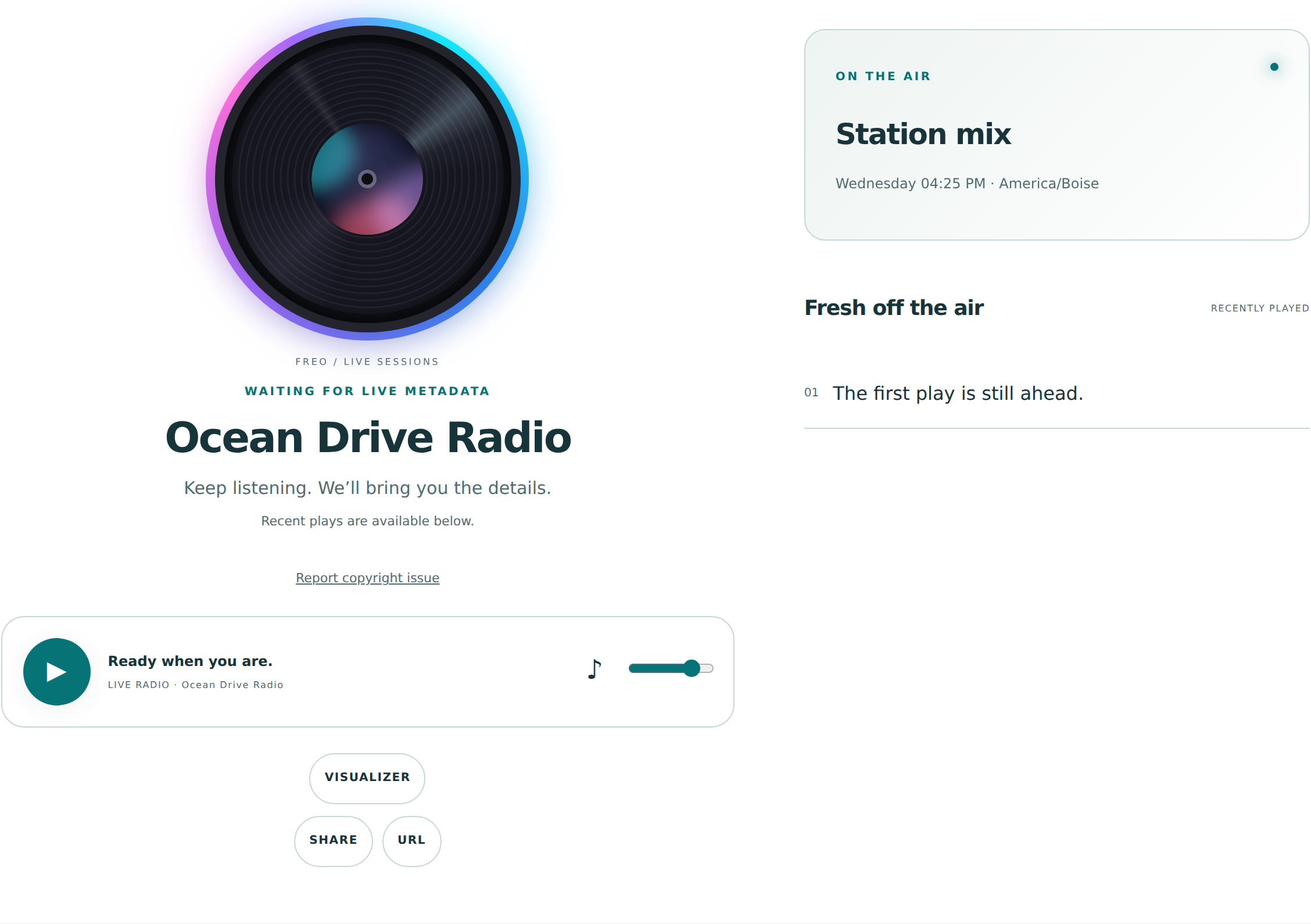
Open the public player, press Play, and check the player and device volume. What do you hear?
In Station Control, check that Master Broadcast is ON. Press MONITOR beside the station name and turn its volume up. Do you hear the song there?

Open Playlist 1. Check that it contains an enabled song that has finished processing. Once it does, select that playlist in Simple, save, and activate it.
In Simple, check for Playlist 1, Saved, and Active mode: Simple. If they all appear and Monitor is still silent, send the step and the status you see to the launch team.
You’re on air. In the public player, use SHARE or URL to copy the listener link. Open it in a fresh tab to hear what your audience hears.
I can help with station setup, importing music, playlists, scheduling, and silence. Which part are you working on?